Best Low-Profile Mechanical Keyboards for Digital Nomads 2026
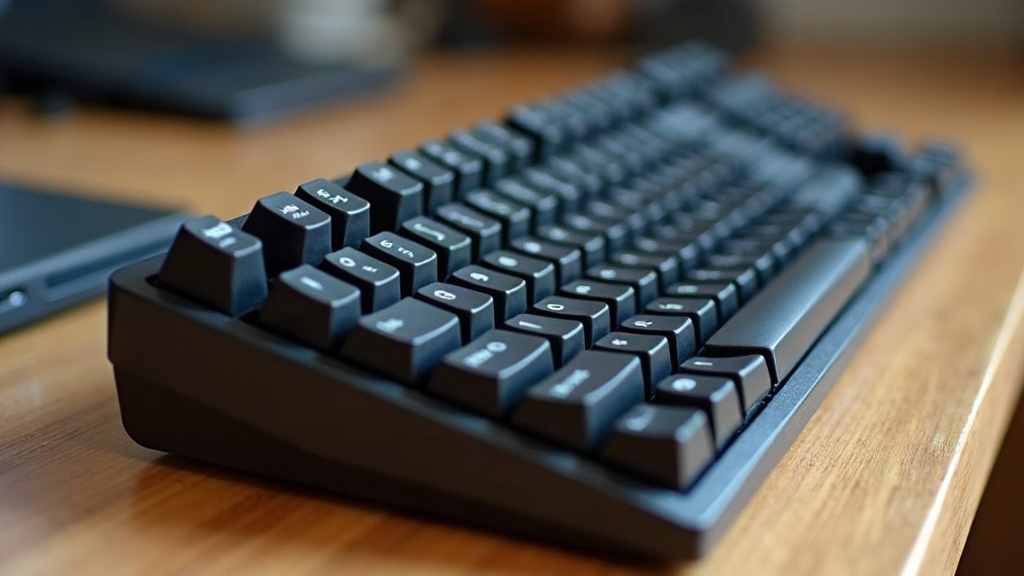
If you make your living writing from airports, co-working spaces, or whatever café has an open outlet this week, your keyboard matters more than most people give it credit for. The best low-profile mechanical keyboards for traveling writers and digital nomads pair a slim, lightweight frame with the tactile precision of mechanical switches, so you get fast, accurate typing without lugging a full-size desktop board through security lines. Here’s a practical rundown of what actually makes a travel keyboard worth packing, plus some specific models to consider.
Why Low-Profile Mechanical Beats Regular Membrane or Full-Size Boards
Most laptops come with shallow, mushy membrane keyboards. Fine for a quick email, exhausting after three hours of drafting or debugging code. A dedicated mechanical keyboard speeds you up and cuts down on fatigue, but traditional mechanical switches (think full-height Cherry MX) add bulk and weight. That’s a problem when your entire office needs to fit in a backpack.
Low-profile mechanical keyboards fix this by using shorter switch housings and flatter keycaps, while still keeping the tactile feel and durability mechanical switches are known for. The payoff: a board that’s often under 20mm thick and well under 1.5 lbs, yet still feels responsive enough for a five-hour writing marathon in economy class.
What to Look For Before You Buy
1. Weight and Dimensions
Anything under 1.3 lbs (600g), roughly the footprint of a tablet, is ideal for carry-on bags. A 60% or 65% layout (no number pad, minimal function row) shaves off real size and weight, which adds up over a month of travel.
2. Connectivity
Look for boards that offer:
- Bluetooth multi-device pairing (3+ devices), so you can hop between laptop, tablet, and phone without re-pairing every time
- USB-C wired mode as a backup for moments when Bluetooth lag actually matters, like during a client call
- 2.4GHz dongle support for lower latency without eating into your laptop’s limited ports
3. Battery Life
Outlets aren’t guaranteed when you’re working from a train platform or a hostel common room. Aim for 30+ hours with backlighting on, or 200+ hours with it off. Some low-profile boards stretch to 2-3 months on a single charge if you leave the backlight off and stick to Bluetooth.
4. Switch Type
- Linear switches (low-profile red-style, for example) are quiet and smooth, a solid choice for shared co-working lounges where nobody wants to hear your keystrokes.
- Tactile switches give you a small bump of feedback without the loud click, a reasonable middle ground between feel and courtesy.
- Clicky switches feel great under your fingers but will earn you dirty looks in a quiet café. Skip them unless you’re mostly working from private spaces.
5. Build Material
Aluminum top plates hold up to backpack life far better than all-plastic shells, though they add a bit of weight. A hybrid design, aluminum frame with a plastic base, tends to hit the sweet spot between durability and portability.
Top Picks for Writers on the Move
Logitech MX Mechanical Mini. A favorite among remote writers thanks to its quiet tactile switches, three-device Bluetooth switching, and USB-C charging. At under 1.5 lbs with a 65% layout, it strikes a good balance between comfort and portability.
Keychron K3 Pro (Low-Profile). Budget-friendly and hot-swappable, meaning you can try out different switch feels without buying a whole new board. Supports Bluetooth and wired USB-C, plus a QMK/VIA customizable layout for the tinkerers out there.
NuPhy Air75. A nomad favorite for its slim aluminum frame, optional per-key RGB (easy to switch off if you’d rather not draw attention in a quiet library), and genuinely impressive battery life. The 75% layout keeps your arrow keys and a few extras without adding much bulk.
Epomaker TH80 Pro. A slightly larger 80% option for writers who want dedicated function keys and still care about portability. Its gasket-mounted design cuts down on typing noise, which matters more than you’d think in a shared workspace.
Practical Travel Tips
- Pack a slim keyboard sleeve or case to stop keycaps from getting chewed up in your bag.
- Switch to wired mode before boarding flights. Airplane mode and Bluetooth pairing don’t always get along.
- Clean your switches now and then. Café crumbs and travel dust find their way into everything eventually.
- Keep a spare USB-C cable tucked in your bag. Losing your only charging cable halfway through a trip is practically a nomad rite of passage.
Conclusion
A good low-profile mechanical keyboard can turn any wobbly café table into a real writing station. Prioritize weight, multi-device Bluetooth, solid battery life, and a switch type that won’t annoy the people around you. Whether you land on the refined Logitech MX Mechanical Mini, the tinkerer-friendly Keychron K3 Pro, or the sleek NuPhy Air75, a good travel keyboard pays for itself in fewer typos, less wrist strain, and more words on the page, wherever you happen to be working from next.