Why Accountants Are Switching to Ortholinear Mechanical Keyboards
What is an Ortholinear Mechanical Keyboard?
To get why people bother with this, you need to start with the design problem it solves. Standard keyboards use a “staggered” layout, meaning every row of keys sits slightly offset from the row beneath it. That quirk isn’t some ergonomic choice, it’s a leftover from the 1800s, built to stop mechanical typewriter arms from colliding and jamming.
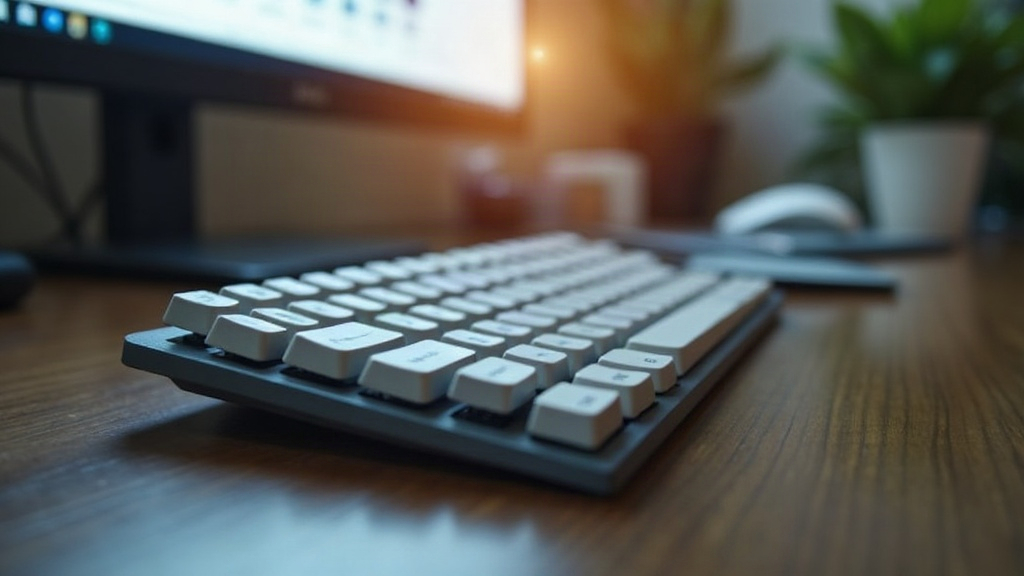
An ortholinear keyboard throws that history out the window. Keys sit in a clean, uniform grid: columns run straight up and down, rows run straight across, no diagonal offsets anywhere. Pair that with mechanical switches (the kind that give you crisp, tactile feedback under each press) and you get a typing feel that’s noticeably tighter and more precise than what most people are used to.
Top Reasons Accountants Are Making the Switch
Accounting runs on keyboards. Spreadsheets all day, financial software, endless number entry, your keyboard isn’t a peripheral, it’s basically a work tool on the same level as a calculator. So it makes sense that the ortholinear layout is catching on here first.
1. The Grid Advantage for Data Entry
Take a second look at the number pad on a standard keyboard. It’s already a grid, right? That’s not an accident. People instinctively type numbers faster and with fewer mistakes when the keys line up in straight columns instead of a staggered zigzag.
Ortholinear keyboards just take that same logic and stretch it across the whole alphabet. Since every key lines up, your fingers move in straight, short paths instead of stretching diagonally to hit a key that’s half an inch off from where it “should” be. Fewer typos, and once you’re past the adjustment period, your words-per-minute usually climbs too.
2. Built-in Ergonomics and Reduced Fatigue
Tax season isn’t gentle. Sixty, seventy, sometimes eighty-hour weeks are common, and all of that time is spent hammering away at a keyboard. On a staggered layout, that means thousands of small, unnatural lateral finger movements every single day, the kind of repetitive strain that eventually shows up as RSI or carpal tunnel.
An ortholinear board cuts down how far your fingers actually have to travel. Movement becomes mostly vertical, up to the top row, down to the bottom row, nothing sideways. That reduces “ulnar deviation” (when your wrist bends toward your pinky to compensate for offset keys) and keeps your hands from wearing out halfway through a twelve-hour audit session.
3. Deep Programmability and Excel Macros
Boards like the Planck or Preonic run on open-source firmware such as QMK or VIA, which means nearly every key can be reprogrammed. For someone living inside Excel eight hours a day, that’s not a gimmick, it’s a real time-saver.
Instead of memorizing a chain of keyboard shortcuts, you can just program one key to fire off the whole sequence. A few examples accountants actually use:
- One key types out
=VLOOKUP(the instant you press it. - A dedicated macro handles paste-values-only (
Ctrl + Alt + V, thenV, thenEnter) in one tap. - Another key cycles instantly between open workbooks, no clicking through the taskbar.
The Virtual Numpad: A Game Changer
Here’s the objection every accountant raises first: “But where’s the number pad?” Fair question, compact ortholinear boards usually drop the physical numpad entirely. The answer is layers, and once you get used to them, you won’t miss the physical pad at all.
Think of how holding Shift turns lowercase into uppercase. Same idea here: hold a thumb key, and the right half of your alphabet keys instantly becomes a number pad, right where your fingers are already resting.
- The Benefit: Your right hand never has to leave the mouse. No reaching across the desk, no breaking your workflow to jab at a separate numpad. The numbers are already under your fingertips, arranged in that same clean grid.
The Learning Curve: What to Expect
Let’s be honest, this isn’t a plug-and-go upgrade. Your brain has spent years, maybe decades, building muscle memory around a staggered, diagonal layout. That memory doesn’t disappear overnight.
Expect your typing speed to dip, sometimes noticeably, for the first several days. Most people say it takes somewhere between one and three weeks of daily use before they’re back to their normal WPM. But once the new muscle memory locks in, most switchers say they wouldn’t go back. The comfort and speed gains end up outweighing that rough first couple of weeks.
Conclusion
For an accountant, the keyboard is closer to a surgeon’s scalpel than an office accessory. Switching to an ortholinear mechanical keyboard isn’t just chasing a trend, it’s a practical bet on fewer wrist problems, more comfortable long days, and faster spreadsheet work. Less finger travel, more programmable shortcuts, a layout that actually matches how people process numbers: it’s not hard to see why more finance professionals are quietly making the switch every tax season.